Subscribe To Our Regular Email Updates
How to Use Your Full Name On YouTube
- 5 Steps To Make Money On YouTube
- How To Create A YouTube Channel Background Image
- Add A Beautiful Background Photo To Youtube Videos In Blogger
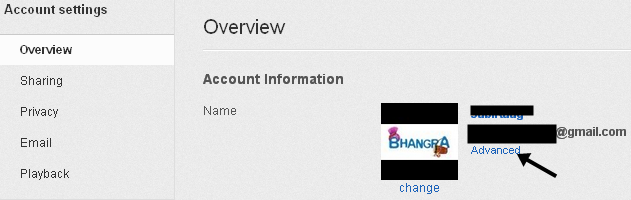
- Go to YouTube > Settings > Under Username Click On Advanced Option
- Now, Click On Begin Using My Full Name On YouTube Link
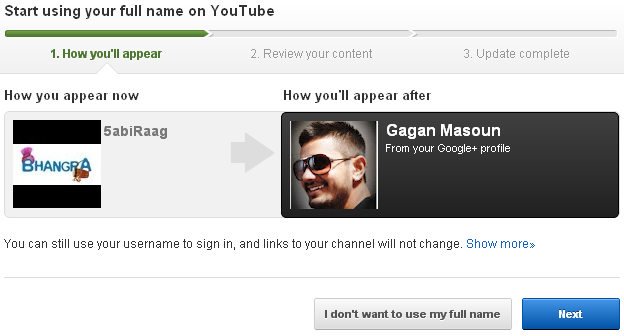
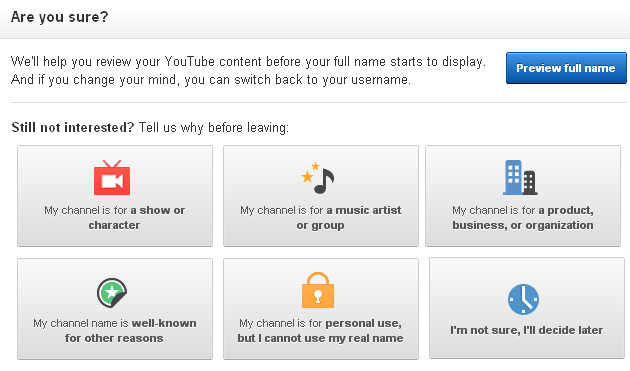
- You Will See Pop Up Message > Next > Update My Name
- Its Done,You Are Now Using Your Full Name On YouTube
|
|
|
|
Subscribe via Email
|