How to Add Follow Tools To Blogger Blog or Website
See The Screenshot Below Step By Step
- Firstly Go Here –>> Choose Style For Widget
- Write Your Own Title In Header Option (e.g: Follow Us)
- Choose Buttons Which You Want and Write Profile User names
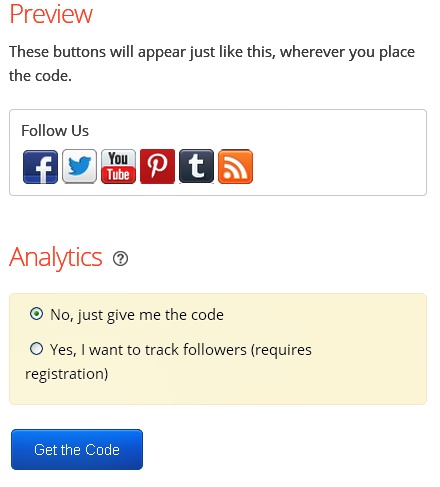
- You Will See Preview For Buttons & Click On “Get The Code” Button
- Go To Blogger Dashboard –> Layout –> Add A Gadget –> HTML/JAVASCRIPT
- Now Paste Your Follow Tools Code Inside It
- Choose Buttons
- Get The Follow Buttons Code
How to Create a Facebook Fan Page For Your BlogFollow the easy steps given below and add this beautiful follow buttons to your Blogger or WordPress blog and website.