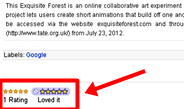
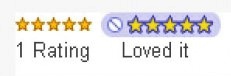
Screenshot Demo Of Star Ratings Widget
How To Add Star Ratings Add Star Rating Widget to Default Blogger Template
Add Star Rating Widget To Custom Blogger Templates
- Go to Blogger Draft
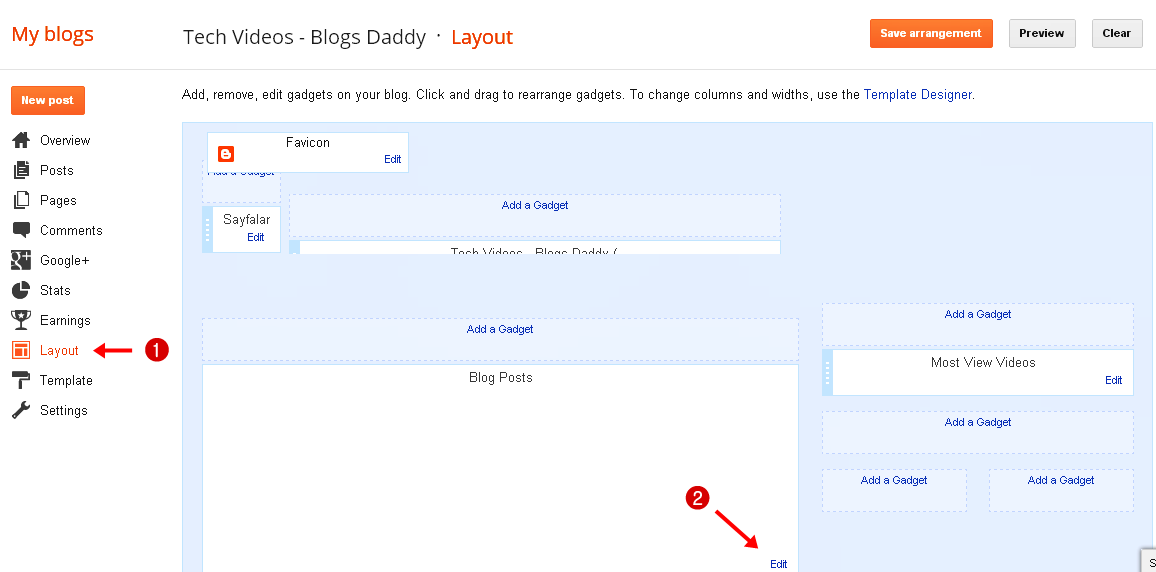
- Choose Blog From List > Layout
- Click “Edit Post” On The “Blog Post” Page Element (Demo Screen Below)
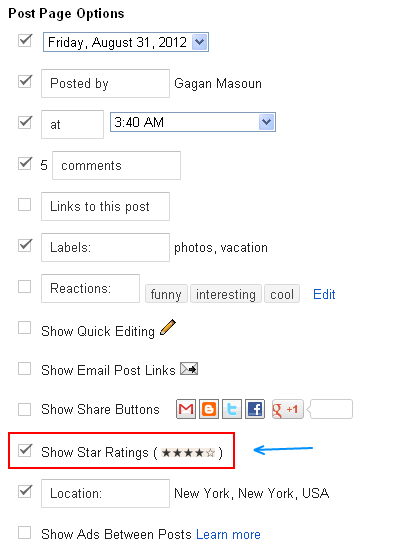
- After Clicking on “Edit”, a window will pop and it will look like the image below. You have to check the star ratings box. (see image below)
- You can arrange this widget in “Arrange Items” option area.Now, save and it’s done.
- Go to Blogger Dashboard > Edit HTML > Checked The “expand widget templates” Box.
- Press (Ctrl+F) and Search This Given Code
- If you cannot find this, search for the following instead:
- After/Below This Line (either the post-footer or post.body), Add The Following Code
- Next, Find This Blogger Template
- Just After This Line, Paste The Following Code
- Save Your Template and Its Done
- Now, Go to Blogger Draft > Layouts > Under ‘Blog Post’ widget, select Star rating. And save the changes.
<div class=’post-footer-line post-footer-line-1′>
<p><data:post.body /></p>
<b:if cond=’data:blog.pageType == "item"’>
<span class=’star-ratings’>
<b:if cond=’data:top.showStars’>
<div expr:g:background-color=’data:backgroundColor’ expr:g:text-color=’data:textColor’ expr:g:url=’data:post.absoluteUrl’ g:height=’42’ g:type=’RatingPanel’ g:width=’180’/>
</b:if>
</span>
</b:if>
<b:include name=’nextprev’/>
<b:if cond=’data:top.showStars’>
<script src=’http://www.google.com/jsapi’ type=’text/javascript’/>
<script type=’text/javascript’>
google.load(“annotations”, “1”);
function initialize() {
google.annotations.createAll();
google.annotations.fetch();
}
google.setOnLoadCallback(initialize);
</script>
</b:if>
|
Did you Like this article?
|
Get FREE Updates
Get Freebies, updates and Special offers straight into your inbox. |
|
|
Tweet |
Blogger Star RatingAuthor – Blogger in Draft