Subscribe To Our Regular Email Updates
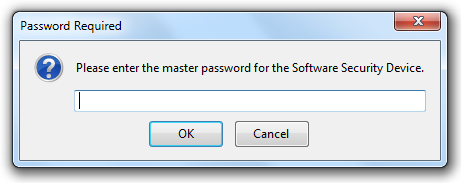
How to Reset Your Firefox Master Password If You’ve Forgotten It
- In the Firefox URL Bar, Enter The Following Location and Press Enter
- The “Reset Master Password” Page Will Appear. Click The Reset Button, To Reset Your Master Password
- Its All Done, Now You Can Choose Another Password Which You Want.
Note : Resetting your master password will remove all of your saved usernames and passwords.
chrome://pippki/content/resetpassword.xul
|
|
|
|
Subscribe via Email
|
How to Reset Firefox’s Forgotten Master Password Easily – Firefox can save usernames and passwords that you use to access online accounts, such as banking, shopping and email accounts. If any other person is using your computer also, it is recommended that you use a master password.
If you have forgotten your master password and loose control to your database, well in that case firefox officially provides a simple and easy way for resetting your master password and choosing another good password.