How To Get Alexa Page Rank For Your Blog?
How to Add Verification ID In Blogger Blog
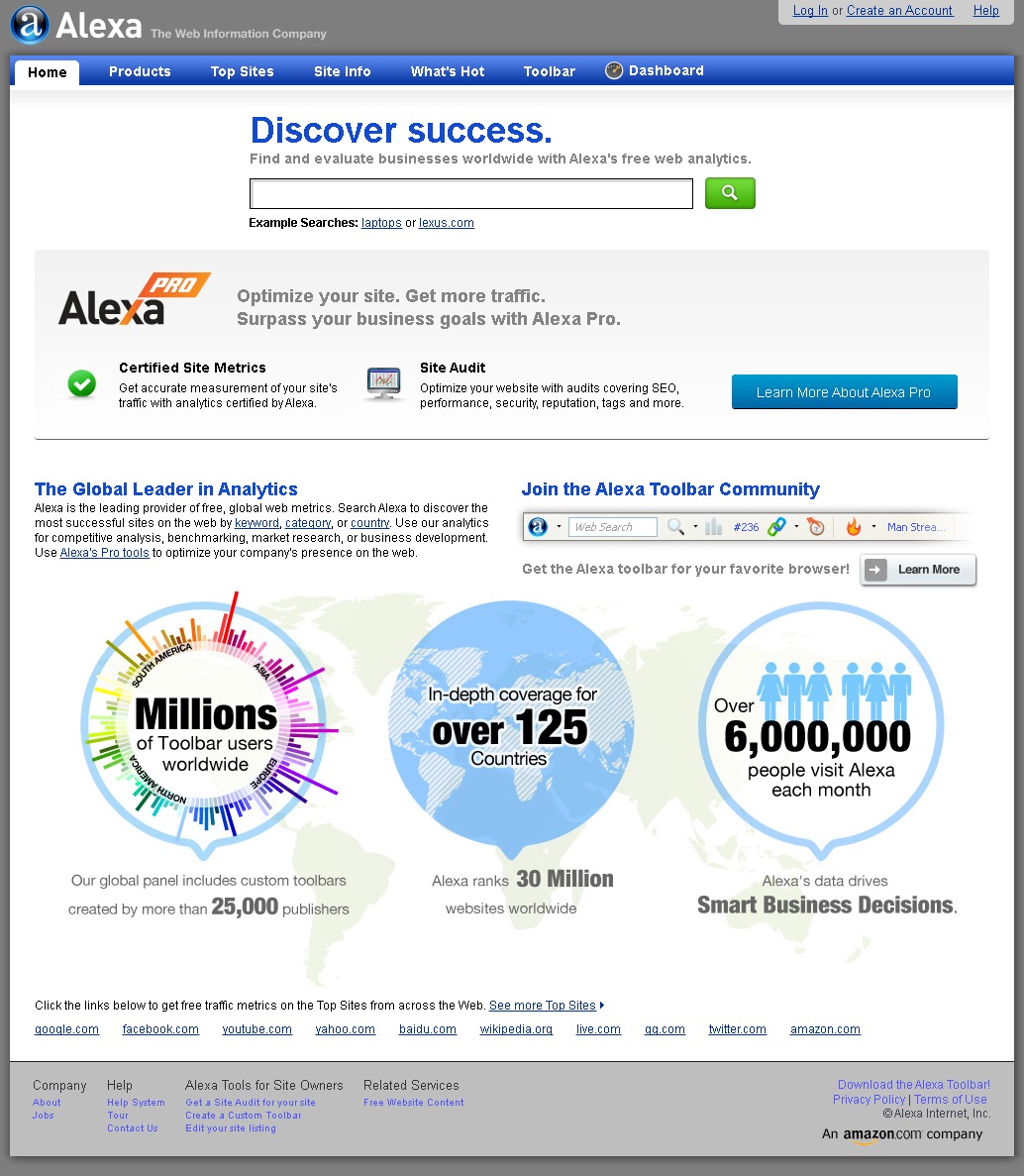
How to Check Alexa Pagerank For Your Website or Blog
- Log In To Your Alexa Account
- Go to Dashboard and Click Add A Site Button At Right Bottom
- Now Select Plans and Pricing.I Recommend Free Plan
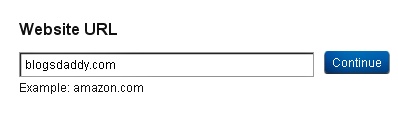
- Enter Your Blog/Websites URL As Shown In Image Below and Click On Continue Button
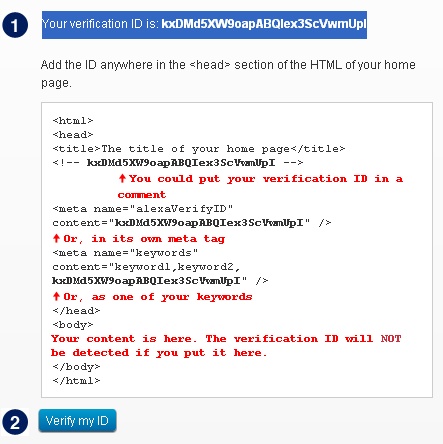
- Then Copy The Full Code Carefully (Your Verification ID)
- Now Open a New Tab.
- Go to Blogger Dashboard > Template > Edit HTML > Proceed
- Now Find <head> tag.
- Put The Copied Code Just Below/After <head>
- Then Again Goes to Alexa and Hit Verify my ID Button
- It’s All Done :), Keep Blogging
http://www.alexa.com/siteinfo/BlogsDaddy.Com
100,671NoteToday, this tutorial will guide you “How To Add Your Website Or Blog To Alexa?”.There are a few reasons that Alexa may not have visited your site. Perhaps your site is new or they haven’t discovered any links on the web that lead to your site. Or perhaps they haven’t had any Alexa users visit your site.
Once installed, the Alexa toolbar collects data on browsing behavior and transmits it to the website, where it is stored and analyzed, forming the basis for the company’s web traffic reporting.
Alexa provides traffic data, global rankings and other information on thousands of websites, and claims that 6 million people visit its website monthly. Alexa also helps to determine your blog improvement through it charts. Alexa page rank of blogsdaddy is and it is improving day to day.BlogsDaddy.Com