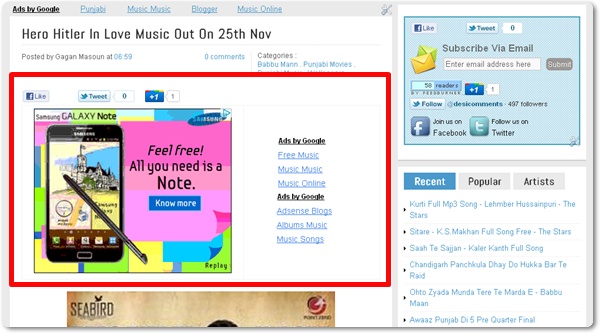
- First of all Log in to Google Adsense to create a new ad unit for blog.
- For best results choose wide ad size – either 336×250 Large Rectangle or 300×250 Medium Rectangle format.Assign a new ad channel to it for performance monitoring purposes.
- After completed the steps get adsense ad code.
- You need to encode your adsense code. Go to html encoder or Quick Escape paste your adsense code in the box, and click Encode. The ad won’t appear if you use the original unescaped ad code.
- Copy the escaped code.
|
Did you Like this article?
|
Get FREE Updates
Get All Leaks, Rumours, Offers and News straight into your inbox. |
|
|
Tweet |
1. Follow First Part2. Follow The Second StepDashboard > Design > Edit HTML.Expand Widget TemplatesHTML window.Search(Ctrl+F) <data:post.body/> <b:if cond=’data:blog.pageType == "item"’>
PLACE AD CODE HERE
</b:if>Adsense ads positioning guideline