

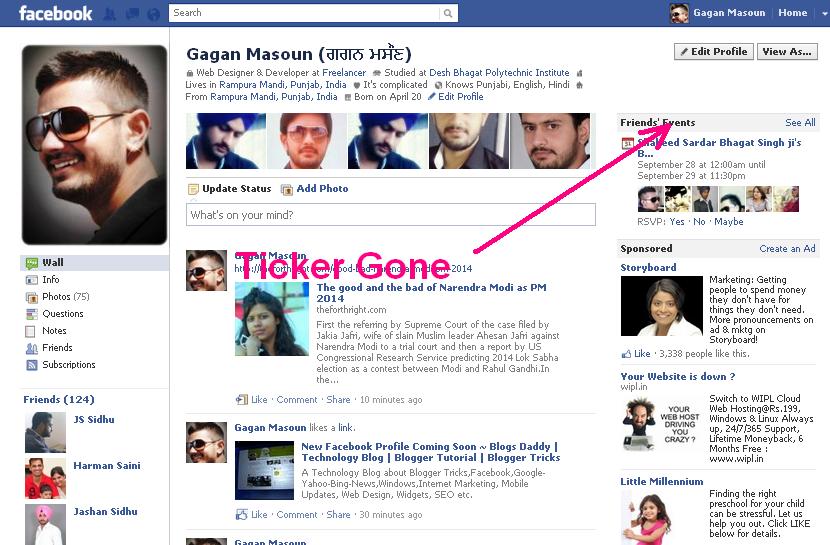
Facebook announced a ticker feature some days ago.But I hate this feature on my profile.I am sure many people also do not like this new ticker feature on Facebook.This is like an evil in our Facebook profiles.But don’t worry, yesterday I have removed Facebook ticker from my profile.If you’re Google Chrome user I have very good news for you: you can remove Facebook ticker completely by installing extension.13,037 users of this extension and 18,967 weekly installs.
This is a doctor for Facebook ticker.In 10-15 seconds this extension will totally remove this feature.It works brilliantly, and installs in seconds.
How to install this extension:-
1.Go to the Facebook News Ticker Remover page in the Chrome web store.
2.Now,click on Add to chrome button.
3.After second step click on Install.
4.All done.
Now,Go back to your Facebook profile and refresh the profile page.and It’s no ticker on your profile now 🙂 Hurrrrrrrrrrr..!!!
If you are not a chrome user . Go here add-on for Firefox
|
|
Note : You will find a confirmation link in your inbox or junk folderIf You Enjoyed This Post Please Take 5 Seconds To Share It.