
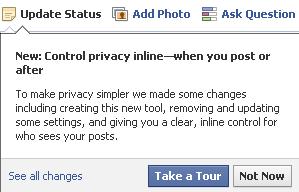
New: Control privacy inline—when you post or after To make privacy simpler we made some changes including creating this new tool, removing and updating some settings, and giving you a clear, inline control for who sees your posts.
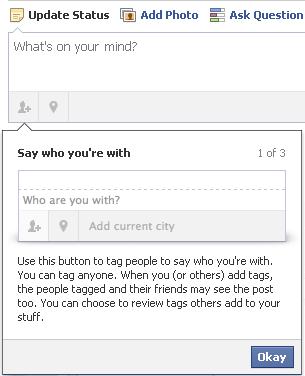
Say who you’re with
Use this button to tag people to say who you’re with. You can tag anyone. When you (or others) add tags, the people tagged and their friends may see the post too. You can choose to review tags others add to your stuff.
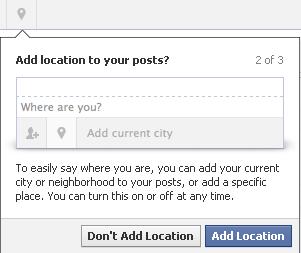
Add location to your posts?
To easily say where you are, you can add your current city or neighborhood to your posts, or add a specific place. You can turn this on or off at any time.
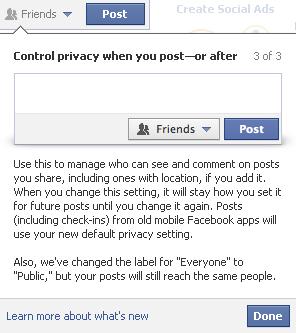
Control privacy when you post—or after
Use this to manage who can see and comment on posts you share, including ones with location, if you add it. When you change this setting, it will stay how you set it for future posts until you change it again. Posts (including check-ins) from old mobile Facebook apps will use your new default privacy setting.
Also, we’ve changed the label for “Everyone” to “Public,” but your posts will still reach the same people.
Read More About Sharing
|
|
Note : You will find a confirmation link in your inbox or junk folderIf You Enjoyed This Post Please Take 5 Seconds To Share It.