Subscribe To Our Regular Email Updates
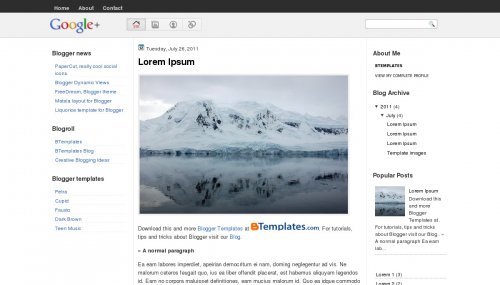
- If you want to change the logo, open template source code and search for “http://4.bp.blogspot.com/-2UqFTQUZTvg/Ti96oeWDRZI/AAAAAAAAAFg/2XNWtAPt1G0/s000/google-logo-plus-0fbe8f0119f4a902429a5991af5db563.png” and replace this image link with you own logo but remember the size should be same.
- There are four menu option but beside the logo, by default Designer has given some links, if you want to change it, you have to do it manually. Search for <div class=’top-options’> and you can make the changes there.
- At top there is option to add Pages that are added automatically.
|
Subscribe via Email
|
Google Plus3 columns, sidebar on the right and left, minimalistBlogsDaddyDemo | DownloadImportant Instructions